 Scrape
 Brands
 Radar
Radar Hooks
Hooks Scripts
 History
Best Customer Research Tools for E-commerce

By Daniel, founder of Adlicio · Sep 2, 2026 · 15 min read
On this page
- 1\. Adlicio
- 2\. Bright Data - Structured review data at scale
- 3\. Apify - Pre-built scrapers for review platforms
- 4\. Brandwatch - Competitor conversation alerts
- 5\. Meltwater - Trends, sentiment, and product issues
- 6\. MonkeyLearn - Automated text tagging and clustering
- 7\. Lexalytics - Sentiment scoring and theme detection
- 8\. Quid - Visual conversation and topic mapping
- 9\. Hotjar - Behavioral insight from websites
- 10\. Crazy Egg - Visualizing conversion behavior
- 11\. Notion AI - Organizing raw customer research
- Customer research tools compared: features, use cases, and fit
- FAQ
- Conclusion
Customer research gets messy fast. Reviews sit in one place, social comments in another, and your ad team still needs a clear angle. These are the best customer research tools for e-commerce, with Adlicio first for turning customer comments into usable ad copy. For context on how much customer language can be available to analyze, see these Voice of Customer statistics.
The right pick depends on the job. Some tools collect reviews. Others spot sentiment, map trends, or show where shoppers get stuck on your site.
Table of Contents
- ✓Adlicio
- ✓Bright Data - Structured review data at scale
- ✓Apify - Pre-built scrapers for review platforms
- ✓Brandwatch - Competitor conversation alerts
- ✓Meltwater - Trends, sentiment, and product issues
- ✓MonkeyLearn - Automated text tagging and clustering
- ✓Lexalytics - Sentiment scoring and theme detection
- ✓Quid - Visual conversation and topic mapping
- ✓Hotjar - Behavioral insight from websites
- ✓Crazy Egg - Visualizing conversion behavior
- ✓Notion AI - Organizing raw customer research
- ✓Customer research tools compared: features, use cases, and fit
- ✓FAQ
- ✓Conclusion
1. Adlicio
Adlicio is a customer research tool for e-commerce teams that scrapes customer comments across 30+ online platforms and turns them into advertising copy inside Claude or any MCP client.
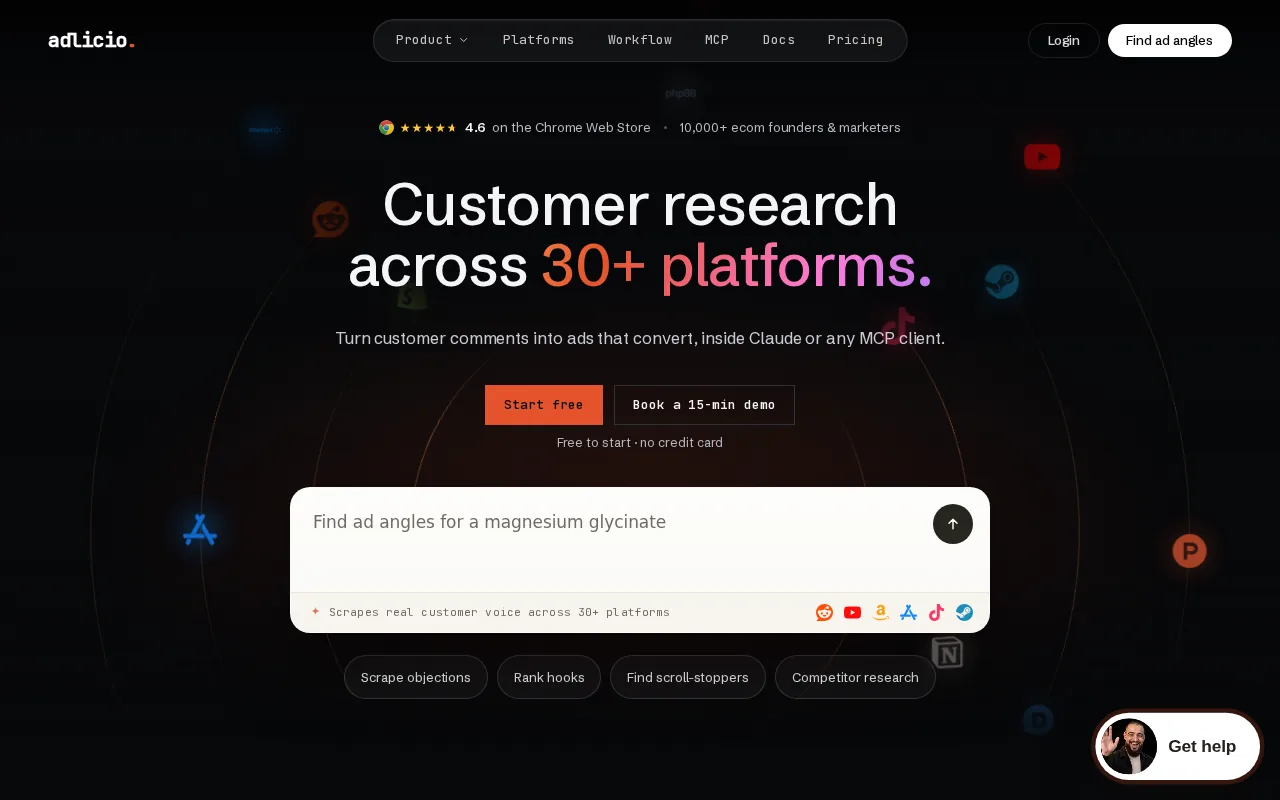
It fits e-commerce founders who want one workflow for research and creative work. Instead of exporting comments into a sheet, sorting them by hand, then briefing a copywriter, you can move from raw customer language to ad angles in the same process.
The main advantage is the handoff. Most tools in this category stop at extraction, tagging, alerts, or visual reports. Adlicio connects those findings to the next revenue task: writing copy based on what customers actually say. Teams that need inspiration from real customer language can also use the Customer-Voice Vault as a swipe file for ad hooks.
That can help when a product has many possible selling points. One group may praise ease of use. Another may mention fit, speed, comfort, or a problem the product solved. Adlicio gives brand operators a way to find those patterns across sources instead of relying on a few memorable comments.
Adlicio also has a free-to-start tier with no credit card requirement. Its stated coverage is broad, though the full list of 30+ platforms is not specified. If you need a detailed source inventory before buying, ask for that list first.
Key Takeaway: Choose Adlicio when the goal is to turn customer voice into ad angles, not merely store research data.
For a broader look at the category, see these best customer research tools by research task.
2. Bright Data - Structured review data at scale
Bright Data is aimed at teams that need structured review datasets collected across e-commerce and software sites.

It suits data teams, agencies, and larger brands that want review data in a repeatable format. The use case is clear: collect a large body of public review content, then pass it into your own analysis stack. Teams comparing collection methods may also want to review these best comment exporters and review scrapers.
Structured data can help when you need to compare the same fields across many products. A research lead might pull review text into a central dataset, then ask an analyst to group complaints by product line or market.
This approach works best when your team can handle setup. That matters for a small brand with one analyst, because the data project can become a technical project before anyone finds a useful insight.
Bright Data is a better fit when scale and repeatability matter more than a fast, founder-led workflow. For a smaller team, compare the setup burden with the cost of manually collecting a focused sample.
For teams that need to think about search demand alongside customer comments, a separate SEO tools guide for beginners can help keep keyword research in the same planning conversation.
3. Apify - Pre-built scrapers for review platforms
Apify is useful when you want pre-built scrapers for popular review platforms such as Trustpilot, Amazon, and Google Play.
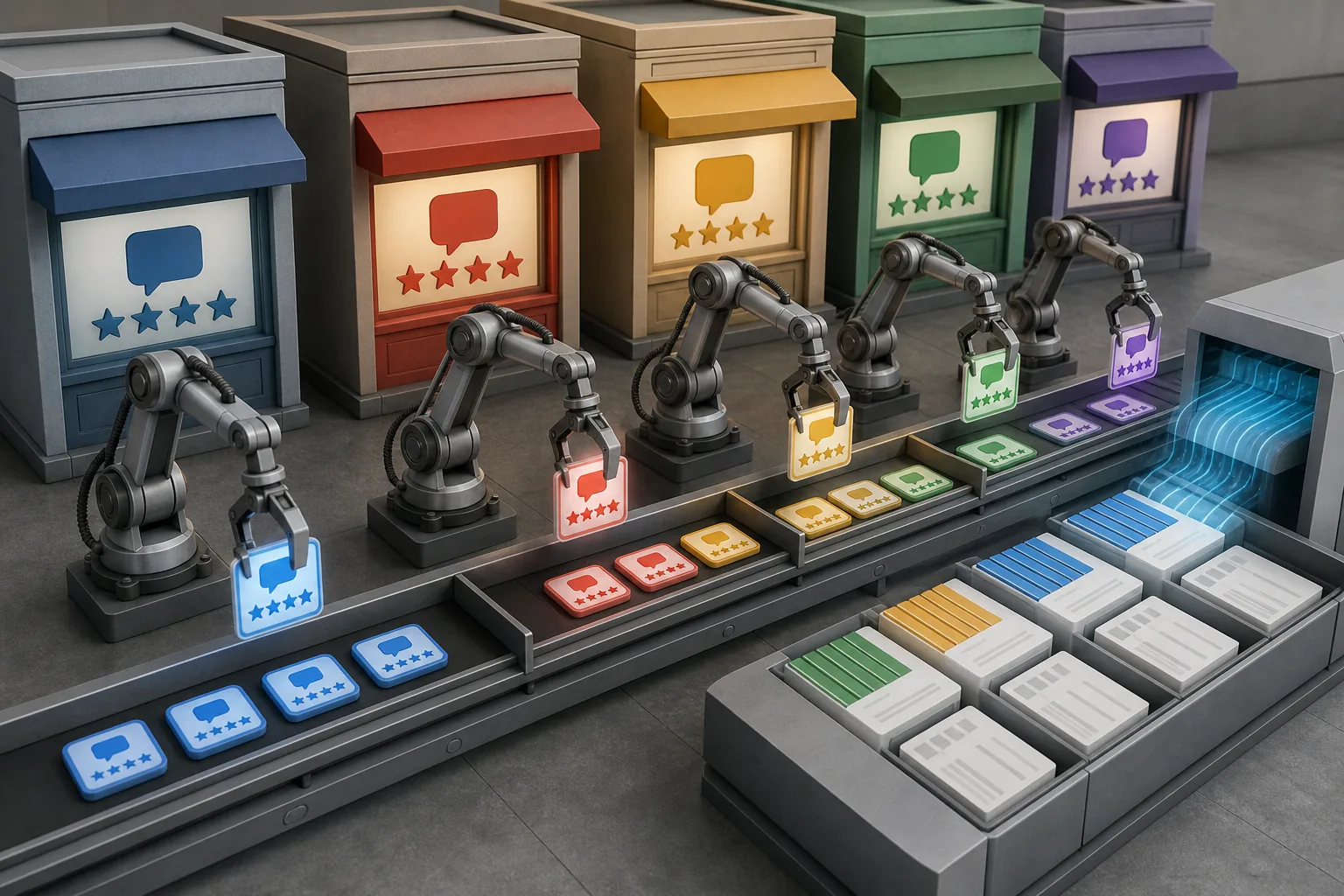
It is a natural fit for analysts who need data from a known source and are comfortable working with scraping tools. A product team could collect Amazon reviews for a category scan, while an app team could study Google Play feedback before planning a feature. For Amazon-focused research, compare it with these Amazon review scrapers.
Pre-built scrapers reduce the need to start every collection job from zero. That can shorten the path from a research question to a usable export, especially when the target source is already supported.
The tradeoff is scope. A scra platform does not automatically give you a unified view of comments across every channel where customers speak. You still need a plan for cleaning records, removing duplicates, setting categories, and deciding which comments deserve attention.
Apify also makes sense for technical teams building a custom research pipeline. If your goal is ad messaging rather than raw collection, you may need another layer after the scrape.
A useful companion for creator-led stores is this overview of YouTube growth tools, since video comments can reveal questions that product reviews miss.
4. Brandwatch - Competitor conversation alerts
Brandwatch helps teams watch for spikes in conversations about competitors.
It fits brands with an active competitive intelligence process. A team can set a watch around a rival or category, then look for unusual changes in conversation volume that may point to a launch, complaint pattern, or news event.
The strongest use case is monitoring, not direct copy production. Alerts can tell you that a conversation is growing. Someone still needs to read the posts, judge the context, and decide if the signal matters to your brand.
That distinction is important. A spike might come from praise, anger, a joke, or a news story with no buying impact. Treat the alert as a prompt for review, not as proof of a market shift.
Brandwatch is strongest when a PR, brand, or research team can respond to alerts quickly. Smaller e-commerce teams may get more value from a narrower source set that is easier to inspect each week.
5. Meltwater - Trends, sentiment, and product issues
Meltwater is built for finding trending topics, sentiment changes, and product issues across social channels.
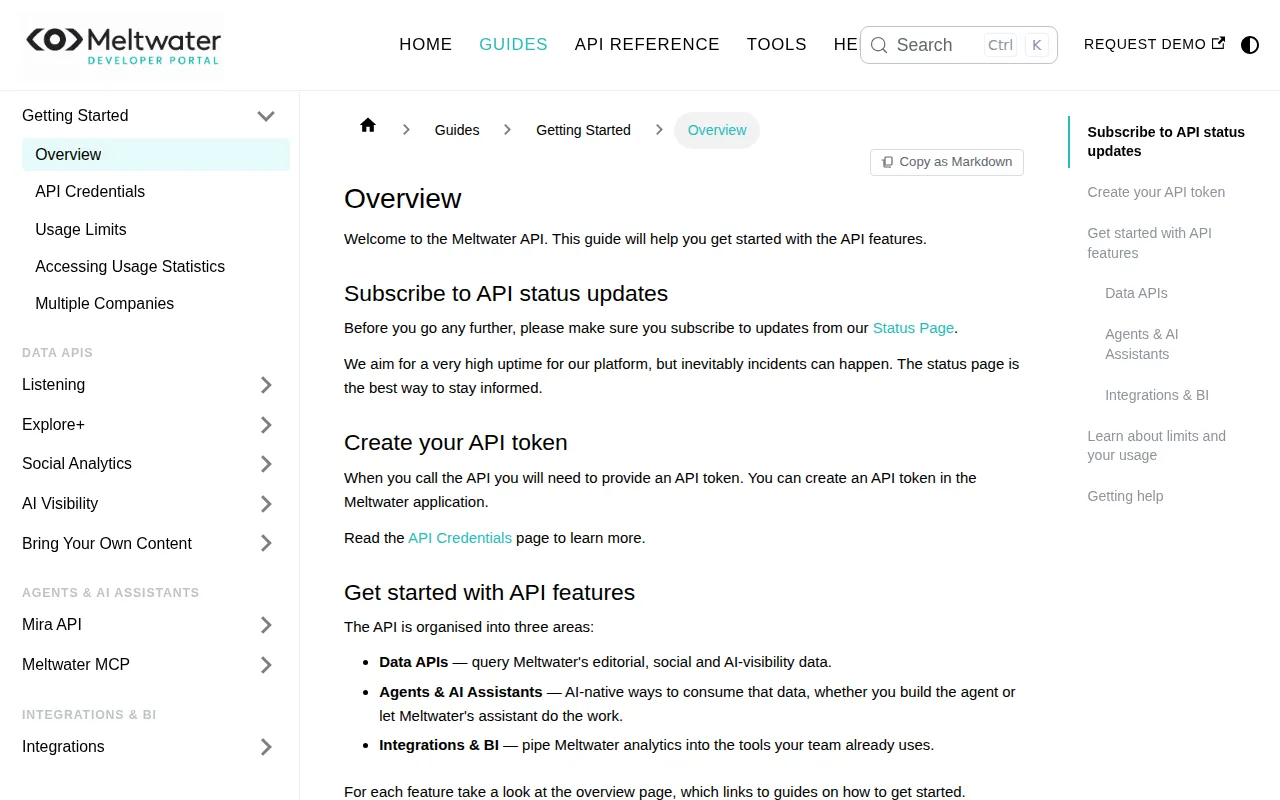
It suits brands that need a broad view of public conversation. A product manager might watch whether complaints rise after a product change. A marketing lead might track how people react to a campaign or product claim.
The benefit is speed. A dashboard can help a team notice a change before it becomes a weekly report. That only works when someone owns the review process and has a clear rule for what counts as an issue.
Social data also needs care. Public posts can be loud without being representative. A few highly shared comments may show a useful concern, but they should not replace order data, customer interviews, or a balanced review sample.
Meltwater is a fit for teams that already monitor social channels and need trend signals in one place. It may be more than a small store needs if the team only checks comments during a product launch.
6. MonkeyLearn - Automated text tagging and clustering
MonkeyLearn is aimed at automatically tagging and clustering text into groups such as usability, pricing, or durability.

It is useful when a team has more comments than one person can sort by hand. Imagine a spreadsheet filled with product reviews and support notes. Tagging can turn that pile into themes that a product or marketing team can review.
The key question is whether your categories are clear. If “quality” includes shipping damage, material feel, and long-term wear, the result may be too broad to guide action. Start with categories tied to decisions, such as “fit issue,” “setup question,” or “reason for purchase.”
Automated tags also need checks. A short review may contain sarcasm or more than one issue. Have a person inspect a sample before using the output in a product brief or ad campaign.
MonkeyLearn works well as an analysis layer after collection. It does not, by itself, solve the source problem or write the final ad. Your team still needs to bring in the right comments and turn the themes into a message.
Pro Tip: Set categories around a decision. “Why customers buy” is more useful than a broad tag such as “positive.”
7. Lexalytics - Sentiment scoring and theme detection
Lexalytics focuses on sentiment scoring and theme detection for text such as reviews.
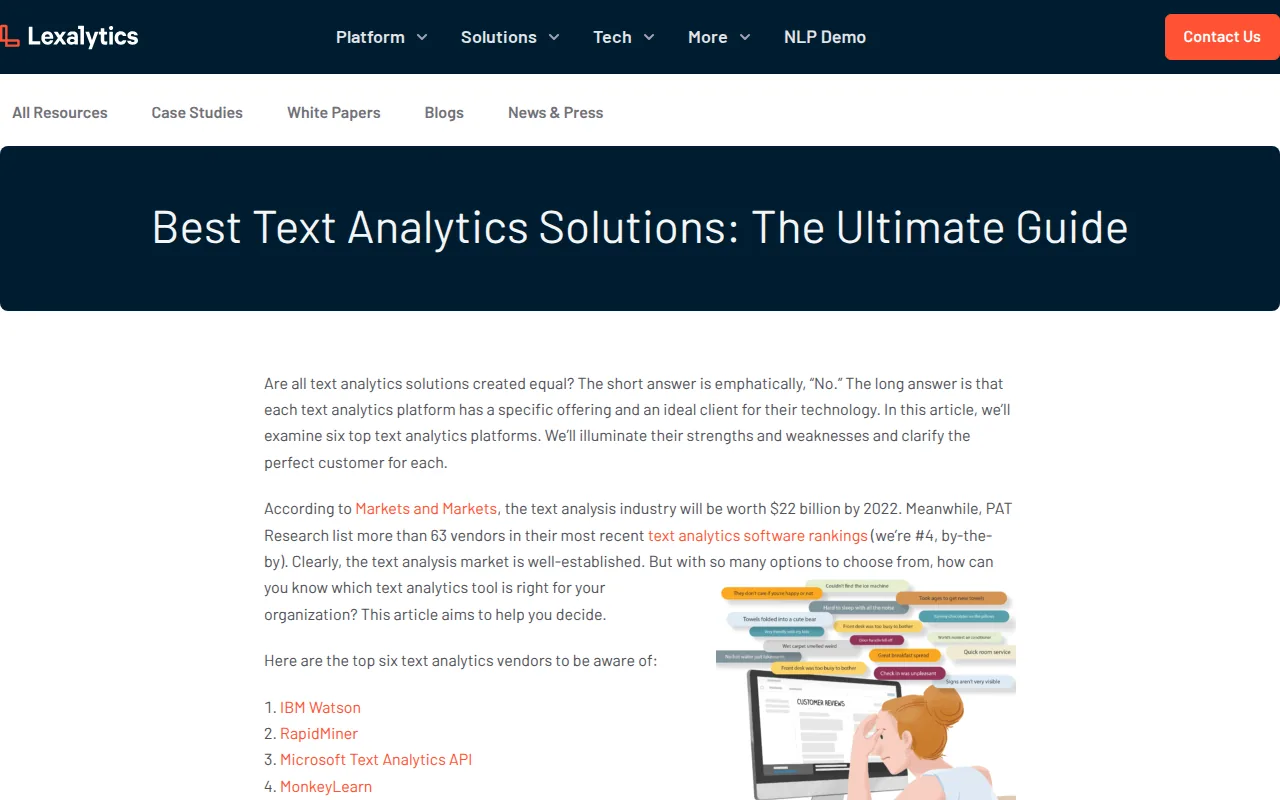
It suits teams that need a structured read on how customers feel and what topics appear in their comments. Sentiment analysis can help sort large text sets into broad positive, negative, or neutral groups before a person reads the detail.
That first pass can be useful for product feedback. A research lead might compare sentiment around delivery, fit, or durability, then send the most negative themes to the right owner.
But sentiment is not the same as intent. A customer may write a positive review while naming a serious flaw. Another may sound angry because of shipping, even though the product itself worked well. Read the original text before making a product or ad decision.
Lexalytics is a sensible choice when your team wants analysis that can sit inside a wider data workflow.
Choose it for theme and sentiment work. Choose a different tool when your main need is collecting comments across many sources or turning them straight into ad copy.
8. Quid - Visual conversation and topic mapping
Quid visualizes clusters of user conversations so teams can see how topics relate to one another.
It fits researchers who think best through maps rather than long rows of text. A category review might reveal one cluster around price, another around delivery, and a third around a competitor's product claim.
Visual maps help with exploration. They can show that two themes appear close together in the same group of conversations, which gives a researcher a lead to investigate.
The map is not the conclusion. A cluster can contain mixed views or posts with little buying value. Open the source text, check the dates, and label the finding in plain language before sharing it with a creative or product team.
Quid makes the most sense for larger research projects where people need to explain a complex conversation to others. A small brand with a few hundred focused comments may move faster with a simple tagged file.
Use visual mapping when the research question is “What themes sit together?” Use a scraping tool when the first question is “How do we collect the source material?”
9. Hotjar - Behavioral insight from websites
Hotjar gives e-commerce teams behavioral insight by showing patterns in how people use a website.
It is best for questions that comments cannot answer. You may know that shoppers complain about checkout, but not know which page element causes the drop-off. Behavioral data can point you toward pages or areas that deserve a closer look.
Hotjar can sit beside voice-of-customer research. If customers say a size guide is hard to use, website behavior can help you test whether shoppers engage with it before adding an item to the cart.
Use this type of evidence with care. A behavior pattern shows what happened on the site. It may not tell you why it happened. Pair it with a short survey, an interview, or customer comments before changing a page.
Hotjar is a strong fit for conversion research and product page testing. It is less suited to competitor monitoring or collecting customer language across public channels.
For stores that need a wider research workflow, Adlicio can supply the customer-comment side while Hotjar helps check whether the message works on the site.
10. Crazy Egg - Visualizing conversion behavior
Crazy Egg helps teams find patterns in website behavior and conversion activity.
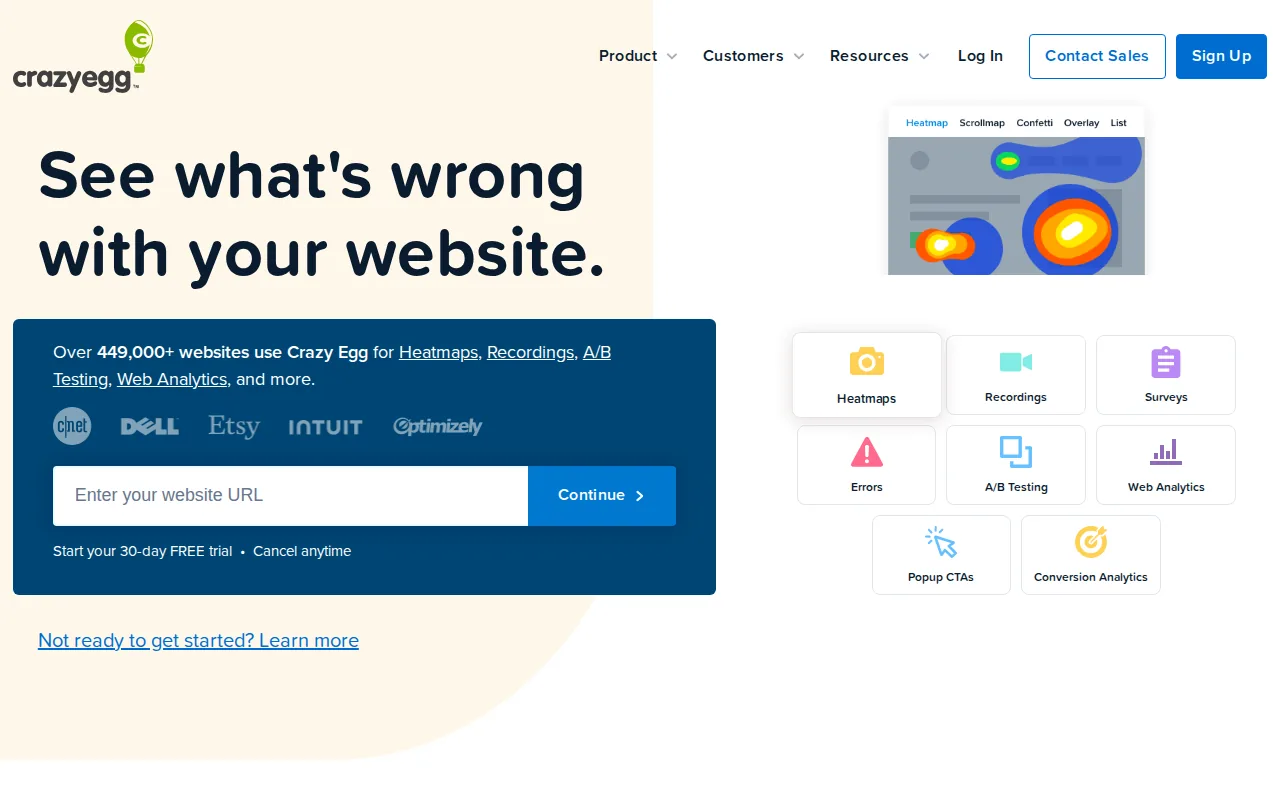
It suits marketers who want to inspect how visitors interact with a page. A store might use that view when a product page gets traffic but few shoppers move toward checkout.
Behavior patterns can raise useful questions. Do visitors reach the reviews? Do they stop near the shipping details? Do they engage with the main product image but ignore the buying prompt? The tool can help direct the next test.
Like other heatmap tools, Crazy Egg shows actions more clearly than motives. It cannot tell you whether a shopper rejected the price or simply needed more time. Add customer language before rewriting the offer.
Crazy Egg is a good choice for page-level research. It becomes more useful when paired with review analysis, because the two sources answer different parts of the same question.
If your team needs ad angles before it tests landing pages, start with the words customers use. Then use behavior data to see whether those words help shoppers move.
11. Notion AI - Organizing raw customer research
Notion AI helps teams turn raw research into structured categories and spot trends inside a shared workspace.
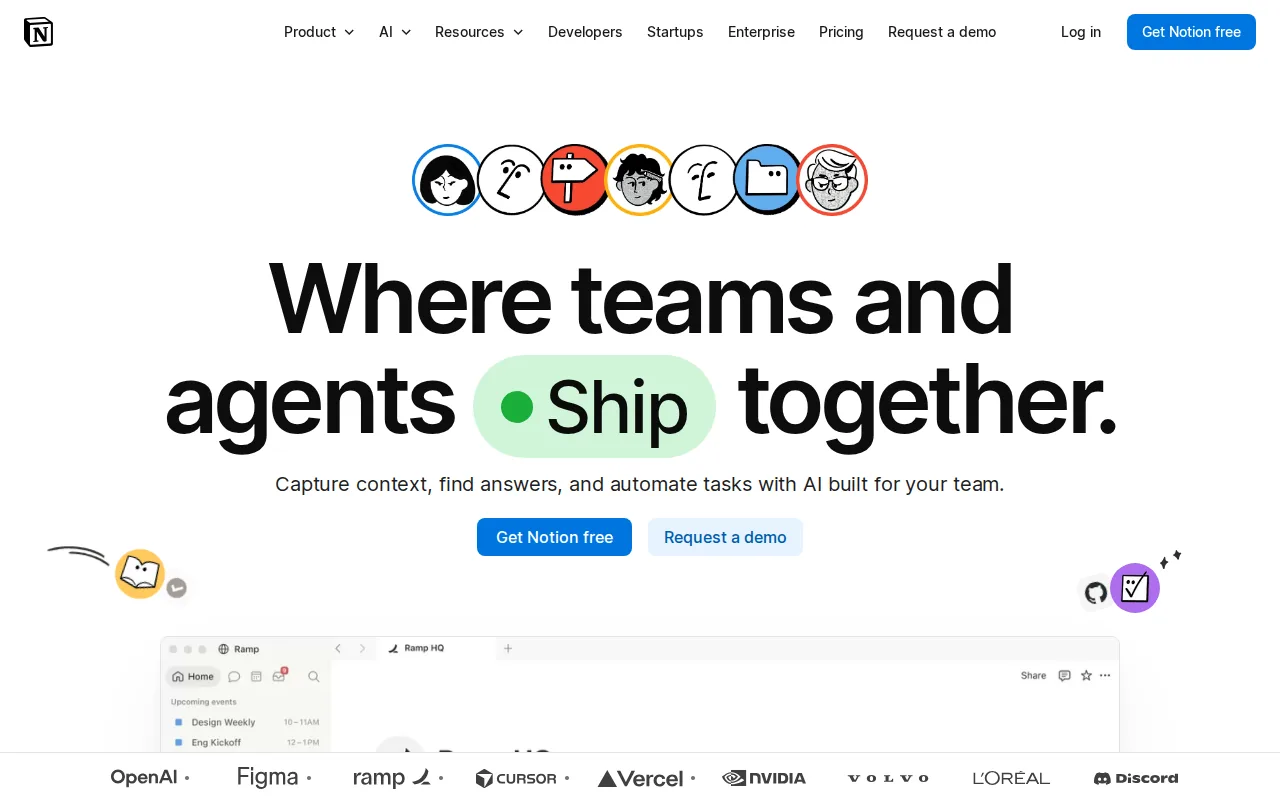
For example, a founder could keep one page for customer objections and another for product praise. AI-driven categorization may help surface repeated themes, but the team should still check the original wording before treating a pattern as fact.
Notion AI is an organizing layer, not a source collection system. It will not replace a scraper, social listening system, or site behavior tool when those are the main research need.
It works well for research handoffs. A founder can move a raw note into a tagged workspace, then give a copywriter a short set of approved customer phrases and the context behind each one.
That makes it a useful low-friction companion, especially when budget is tight. Just keep source links and dates beside each insight so the team can audit the claim later.
Customer research tools compared: features, use cases, and fit
The best customer research tools are not interchangeable. A scraper answers a collection problem. A sentiment tool answers a text-analysis problem. A heatmap answers a site-behavior problem.
Market research platforms can speed up work, but the output still depends on the source data and the question you ask.
| Tool | Best fit | Main research signal | Watch-out |
|---|---|---|---|
| Adlicio | Customer voice to ad angles | Comments across 30+ platforms | Full source list is not specified |
| Bright Data | Large structured datasets | Collected review data | Setup and pricing may be hard to predict |
| Apify | Known review sources | Platform-specific review records | May need extra analysis work |
| Brandwatch | Competitor monitoring | Conversation spikes | Alerts need human context |
| Meltwater | Social trend checks | Topic, sentiment, and issue shifts | Broad monitoring may exceed small-team needs |
| MonkeyLearn | Text classification | Tags and clusters | Categories need review |
| Lexalytics | Sentiment and themes | Text sentiment and topics | Sentiment does not explain intent |
| Quid | Conversation exploration | Topic relationships | Maps still require source checks |
| Hotjar | Website behavior | On-site interaction patterns | Behavior alone may not show why |
| Crazy Egg | Page conversion research | Page-level behavior | Needs customer language for context |
| Notion AI | Research organization | Structured notes and themes | Not a source collection tool |
For most e-commerce founders, the first decision is source breadth. If customer comments are scattered across review sites, social posts, marketplaces, and communities, a narrow tool can leave out the language you need.
The second decision is what happens after collection. If the output goes to a report, a tagging tool may be enough. If it must become a product brief or ad, Adlicio has the clearest direct path to that work. For teams focused specifically on acquisition, customer research for lead gen ads shows how that insight can support campaign messaging.
Budget needs its own check. Ask about integrations, limits, and total workflow cost before you commit.
Privacy belongs in the same review. Collect only data you have a lawful reason to use. Avoid copying private group content without permission, remove personal details when they are not needed, and keep a record of where research came from. A basic understanding of web scraping can be useful, but legal review may still be needed for your market and sources.
Key Takeaway: Pick the tool that matches the next decision your team must make, not the tool with the longest feature list.
Ready to turn scattered customer comments into ad angles? Adlicio turns customer comments into ad angles.
FAQ
What are the best customer research tools for e-commerce?
The best customer research tools for e-commerce depend on your research task. Adlicio fits teams that want to collect comments across 30+ platforms and turn them into ad copy. Apify or Bright Data fit collection-heavy work. Brandwatch and Meltwater suit conversation monitoring. Hotjar and Crazy Egg focus on website behavior.
What is the best free customer research tool?
Free tools can help you test a workflow, but check source limits, export rules, integrations, and whether the free tier covers your actual research volume.
How do e-commerce brands research customer feedback?
E-commerce brands research feedback by collecting reviews, comments, support notes, survey answers, and site behavior. They then group the material by buying reason, complaint, product use, or objection. A strong workflow keeps the original wording, checks patterns against more than one source, and sends the findings to product or creative teams.
Can AI analyze customer reviews?
Yes, AI can analyze customer reviews by tagging text, detecting sentiment, finding themes, or grouping similar comments. MonkeyLearn and Lexalytics fit that type of work, while Adlicio connects comment research to ad-copy generation. Human review still matters because sarcasm, mixed opinions, and missing context can confuse automated analysis.
What should I check before buying a customer research tool?
Check the tool's data sources, refresh rate, export options, integrations, privacy terms, limits, and path from insight to action. The best customer research tools should fit your budget and team skill level. Ask for a sample workflow before signing up, especially when pricing or setup details are not clear.
Conclusion
Choose Adlicio if your main goal is to turn customer comments into usable e-commerce ads. Start with one product, collect feedback from the sources your shoppers already use, and test the resulting angles in your next campaign. If you need deeper site behavior or sentiment checks, add Hotjar, Crazy Egg, or a text-analysis tool after that first workflow works.

About the author
Daniel is the founder of Adlicio. He builds the scrapers behind it and uses them daily to turn customer comments and reviews into ad angles.