 Scrape
 Brands
 Radar
Radar Hooks
Hooks Scripts
 History
How to scrape App Store reviews
By Daniel, founder of Adlicio · 3 min read
Quick answer
Apple's API only returns reviews for your own apps. Here are the routes to competitor App Store reviews and how to turn them into ranked ad angles.
The first thing to know: the App Store Connect API only returns reviews for apps you own. So the moment your research target is a competitor's app, the official API is closed to you, and the review data most marketers assume they can request simply is not available through Apple's developer route.
The competitor's reviews are the ones worth reading anyway, because that is where the churn reasons and feature gaps live. Here is how each route holds up, from the old RSS feed to copying by hand to pulling an app's public reviews as ranked angles in about 60 seconds.
★ 4.6 on the Chrome Web Store · no card needed
The manual route: fine for a skim, not a pattern
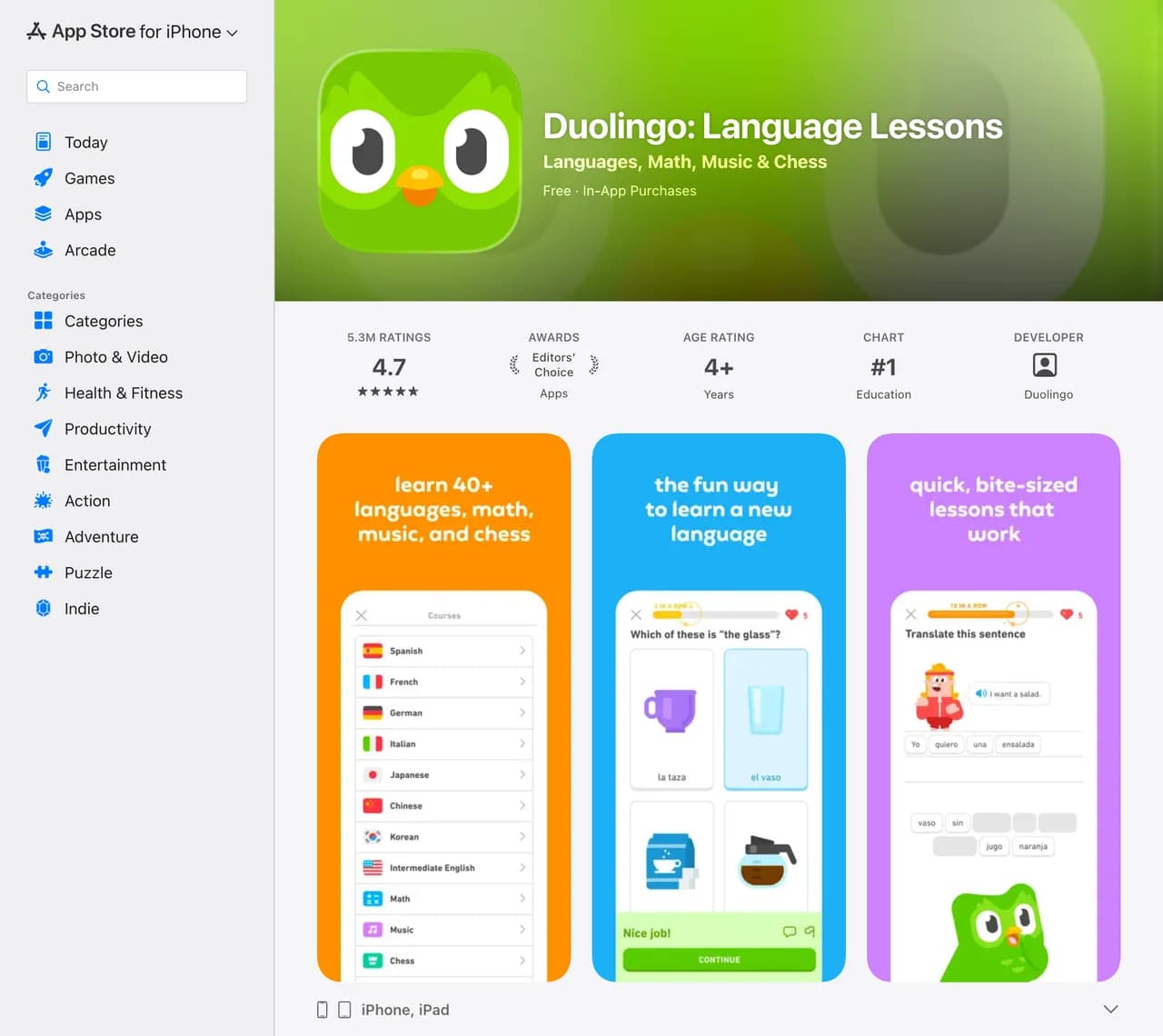
Open an app's listing, scroll the reviews, sort by most recent, and copy. App Store reviews are short and blunt, so a few of them tell you a lot fast. The problem is coverage: the listing shows a slice, reviews differ by country storefront, and the reason someone switched away from a competitor is often buried below the handful Apple surfaces. Reading ten reviews gives you an anecdote, not the pattern your ad needs.
The official routes and their limits
There are two developer paths and both are narrow. The App Store Connect API returns ratings and reviews only for your own apps, which is great for monitoring your product and useless for studying a rival. The old public RSS review feed still responds, but it is limited: it returns only recent entries, caps how far back you can page, and Apple has steadily deprecated that surface, so treating it as a reliable competitor corpus will leave you with a thin, recency-skewed sample.
If your question is what are users saying about an app I do not own, both official routes come up short. That is the gap: the competitor reviews carrying the churn reasons and the missing-feature complaints are exactly the ones the API will not hand you.
The paste-a-URL route
Adlicio reads an app's public reviews across country storefronts through your own browser session and finishes in about 60 seconds, no Developer account and no RSS parsing. Then it does the part that matters: the reviews come back clustered into ranked angles, the features users praise, the bug that drove them to rage-quit, and the reason they switched from a competitor, each with the verbatim quotes behind it.
One-star reviews get weighted alongside the five-star ones, because the churn reasons in the one-star pile are usually what your next ad needs to disarm. The raw reviews stay exportable.
The 60-second version
- 01Pick the apps your users compare
Your own app, the category leader, and the competitor you lose installs to. Their reviews hold different halves of the churn story.
- 02Paste each App Store URL into Adlicio
Any app with a public listing. The scrape reads across the public reviews and multiple storefronts, finishing in about 60 seconds per app.
- 03Mine the churn reasons, keep the quotes
Work from the ranked clusters: the recurring complaint becomes the objection your ad answers, the verbatim review becomes your proof or your listing line.
Questions people also ask
Does the App Store Connect API return competitor reviews?+
No. The App Store Connect API only returns ratings and reviews for apps under your own developer account. For any app you do not own, that route is closed, which is why competitor research means reading the public listing instead.
Is the App Store RSS review feed still usable?+
It still responds, but it is limited and has been progressively deprecated. It returns only recent reviews and caps how far you can page back, so it gives you a thin, recency-skewed sample rather than a full competitor corpus.
How do I find churn reasons in App Store reviews?+
The churn reasons sit in the one and two-star reviews: the broken update, the missing feature, the paywall someone resented. Adlicio groups those low-star reviews into the recurring reasons users leave, so the pattern surfaces instead of a single angry anecdote.
Can I research a competitor app without building a scraper?+
Yes. Paste the app's public App Store URL and Adlicio reads its reviews for you, so there is no script to maintain, no proxies, and no Developer account. It only reads what any shopper browsing the listing can already see.
About the author
Daniel is the founder of Adlicio. He builds the scrapers behind it and uses them daily to turn customer comments and reviews into ad angles.
More guides
App Store scraperAll scrapersSee pricing
Run this play on your own App Store page.
Paste one public URL. Adlicio returns the angle, hook, and proof to test next.