 Scrape
 Brands
 Radar
Radar Hooks
Hooks Scripts
 History
How to scrape YouTube comments
By Daniel, founder of Adlicio · 3 min read
Quick answer
The YouTube Data API works but hands you raw JSON and quota math. Compare the API, manual, and no-code routes, and pull a video's comments in about 60 seconds.
YouTube is actually the friendliest big platform for this: the official Data API can return comment threads for any public video. The catch is what it costs you in setup and what it hands you at the end, which is raw JSON, not answers.
Here are the three routes: the API for developers, manual collection for tiny jobs, and the paste-a-URL route when the goal is customer language you can use in ads.
★ 4.6 on the Chrome Web Store · no card needed
The YouTube Data API route
If you write code, the commentThreads endpoint works: register a Google Cloud project, get an API key, and page through a video's comments. The free quota is 10,000 units a day and comment requests are cheap, so quota rarely blocks research-scale pulls.
The real cost is everything after the fetch. You get JSON with author names, timestamps, and like counts, and then the actual work begins: cleaning it, deduplicating, and reading hundreds of comments to find the patterns. The API is a data source, not a research method.
Manual collection
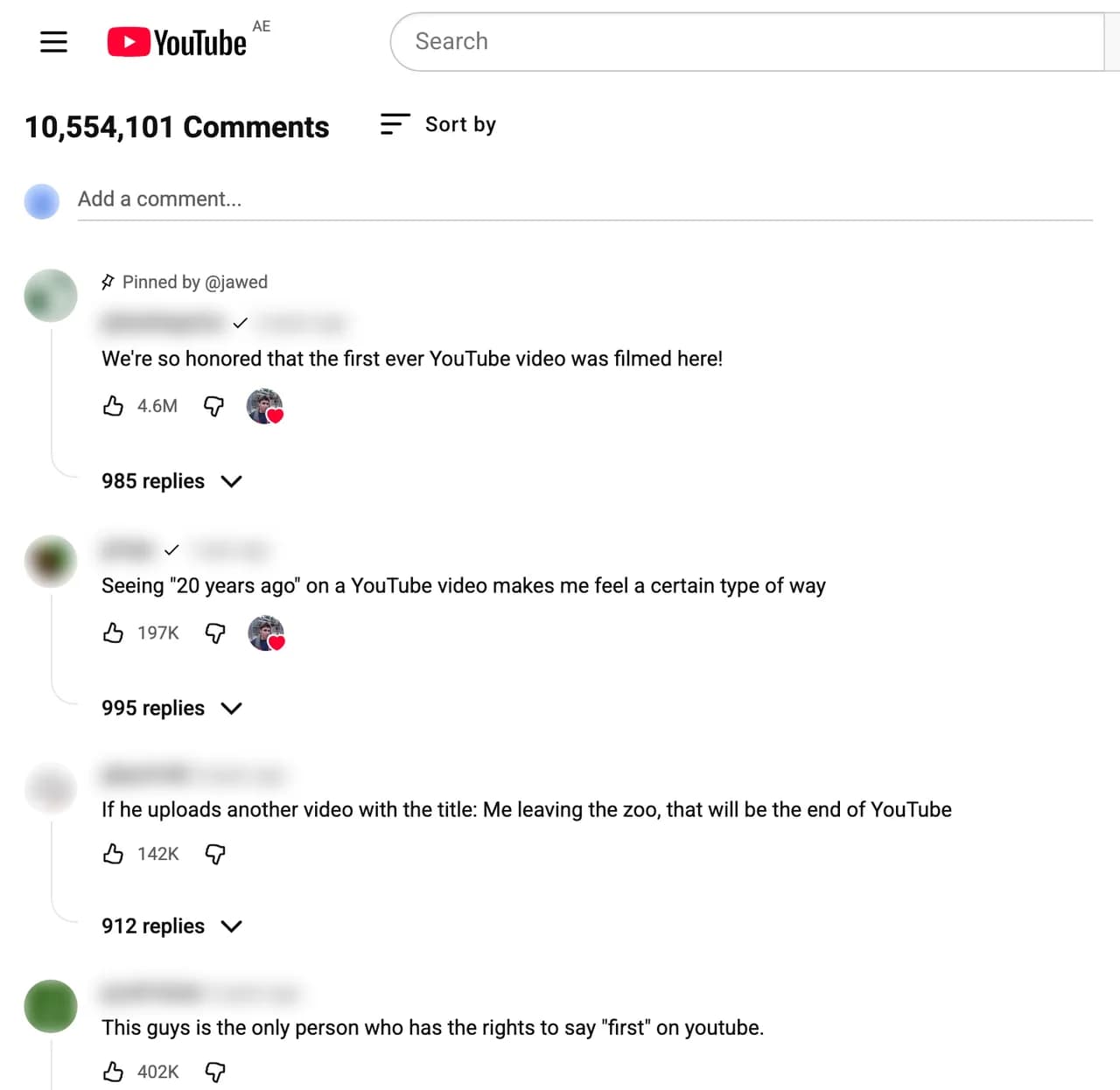
For a video with 50 comments, scroll and copy. Past a few hundred, the infinite scroll and collapsed replies make it miserable, and sorting by 'top comments' means you only ever see what YouTube already decided to show everyone. The dissenting comment with 12 likes on page 30 never makes it into your research.
The paste-a-URL route
Adlicio takes a public video URL and captures the comment thread in about 60 seconds, no Google Cloud project, no quota math, no JSON. The comments come back clustered into ranked angles: what viewers loved, what they doubted, and the phrases they repeat, each cluster backed by verbatim quotes.
For ad research this order matters. Product review videos and competitor content carry buyer intent in the comments, and the clustering surfaces the objection patterns you would have missed skimming the top 20.
The 60-second version
- 01Pick videos with buyer intent
Reviews of your product or a competitor's, comparison videos, and 'best X for Y' roundups in your category. Comment sections there are pre-purchase conversations.
- 02Paste the video URL into Adlicio
Public videos only, about 60 seconds per scrape, replies included.
- 03Work the objections first
YouTube commenters are skeptics. The recurring doubts under a review video are the exact objections your landing page and ads need to answer.
Questions people also ask
Can I scrape YouTube comments without the API?+
Yes. Adlicio reads the public comment thread through your own browser session, so you skip the Google Cloud setup entirely and still get the full thread.
Is scraping YouTube comments allowed?+
Reading public comments is what every viewer does; Adlicio just captures them systematically. It never posts, likes, or subscribes on your behalf.
How is this better than the API for ad research?+
The API gives you raw JSON to analyze yourself. Adlicio returns the analysis: ranked angles with the verbatim quotes behind them, which is the part of the job the API leaves to you.
Can I export the comments?+
Yes, every scrape in your history exports to CSV with the comment text intact, so you can run your own analysis on top.
About the author
Daniel is the founder of Adlicio. He builds the scrapers behind it and uses them daily to turn customer comments and reviews into ad angles.
More guides
YouTube scraperAll scrapersSee pricing
Run this play on your own YouTube page.
Paste one public URL. Adlicio returns the angle, hook, and proof to test next.