 Scrape
 Brands
 Radar
Radar Hooks
Hooks Scripts
 History
Google Play reviews name the update that lost them. Scraped into angles.
Adlicio reads the newest public reviews for any Android app, in any language, and ranks the patterns into ad angles, each with a hook line and the verbatim quotes behind it.
★ 4.6 on the Chrome Web Store · no card needed
“Been using it daily for a year, the streak feature keeps me honest.”
“Worked great until the last update, now it drains my battery.”
“Cancelled twice and still got charged. Support never answered.”
Loyal users leave over one bad release, not slowly
“Worked great until the last update.” The review your churn hides in.
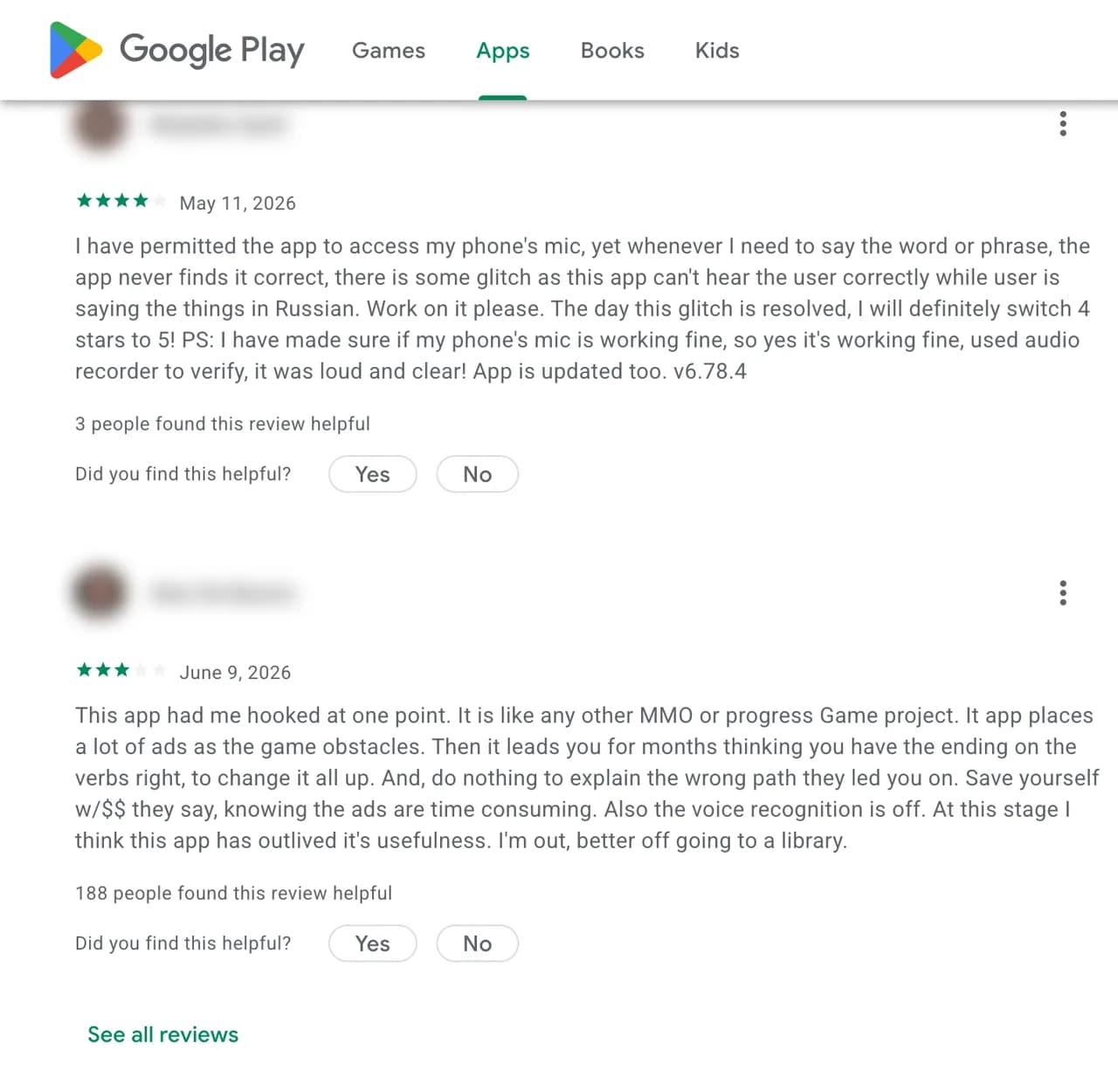
Google Play reviews are unusually specific: users name their phone, the version that broke sync, the subscription they could not cancel, and the app they switched to instead. Adlicio reads an app's newest public reviews, in whichever language and country you point it at, and ranks the recurring praise and complaints into angles for store-listing copy, ad creative, or product priorities.
What can you do with Google Play reviews?
Scrape a competitor app's reviews for the features users praise and miss.
Pull one-star reviews to map the churn reasons your ads should disarm.
Read the same app in German or Portuguese by switching the language in the URL.
Catch update-specific complaints early, before they settle into the rating.
How does the Google Play scraper work?
- 01Paste a Google Play app URL
Any public app listing. No Play Console, no API key, no code.
- 02Adlicio reads the reviews
It clusters the praise, the crash complaints, and the why-I-uninstalled stories across versions in about 60 seconds.
- 03You get ranked angles
Each with a hook line and the user quotes behind it, ready for Claude or ChatGPT.
The honest limits: Adlicio only reads what is already public, and it never posts, votes, or messages on your behalf.
“Really user-friendly for pulling comments from a thread, and the files it spits out are perfectly formatted, no messy cleanup needed.”
Google Play scraper FAQ
Is this a Google Play review scraper?+
Yes. Paste a public app listing and the Google Play review scraper reads its newest ratings and review text, then groups the recurring praise and complaints.
Do I need a Google Play Console account?+
No. Adlicio reads publicly visible Google Play reviews, the same ratings and text any shopper sees on the listing, with no Console access and no code.
Full guide: how to scrape Google Play reviews →Can it read reviews in other languages and countries?+
Yes. Play reviews differ by language and country. Add hl and gl to the app URL (for example hl=de&gl=DE) and Adlicio reads that market's reviews instead of the English ones.
How many reviews can it read?+
Up to the newest 500 public reviews per run, newest first, enough for the recurring patterns to surface. Point it at another language for a wider sample of the same app.
Does this work for any app?+
Any app with a public Google Play listing. Paste the play.google.com/store/apps/details URL and its reviews feed the same angle engine as every other source.
What do I actually get back?+
Ranked angles: the recurring praise and complaints by frequency, the messaging each supports, and the verbatim quotes behind them, ready for Claude or ChatGPT.
Go deeper on Google Play
More scrapers
See all scrapersCompare toolsSee pricing
Turn Google Play reviews into one testable angle.
Start with one public page. Adlicio returns the angle, hook, and proof to try next.