 Scrape
 Brands
 Radar
Radar Hooks
Hooks Scripts
 History
How to scrape Shopify store reviews
By Daniel, founder of Adlicio · 3 min read
Quick answer
Shopify reviews live in third-party apps like Yotpo and Loox, so one-size scrapers fail. Here's what works, plus pulling a store's reviews in about 60 seconds.
The thing that trips people up: Shopify itself does not host product reviews. Each store bolts on a third-party review app, Yotpo, Loox, Judge.me, and a dozen others, and every one renders its reviews with different markup and a different widget. So a scraper tuned for one store returns nothing on the next, and there is no single Shopify review API to fall back on. That is why one-size-fits-all Shopify scrapers fail.
It is worth solving because a competitor's on-page reviews are the closest thing to their own voice-of-customer file, written by people who bought from that exact store. Here are the realistic routes to get that language, ending with pulling a store's reviews as ranked angles in about 60 seconds.
★ 4.6 on the Chrome Web Store · no card needed
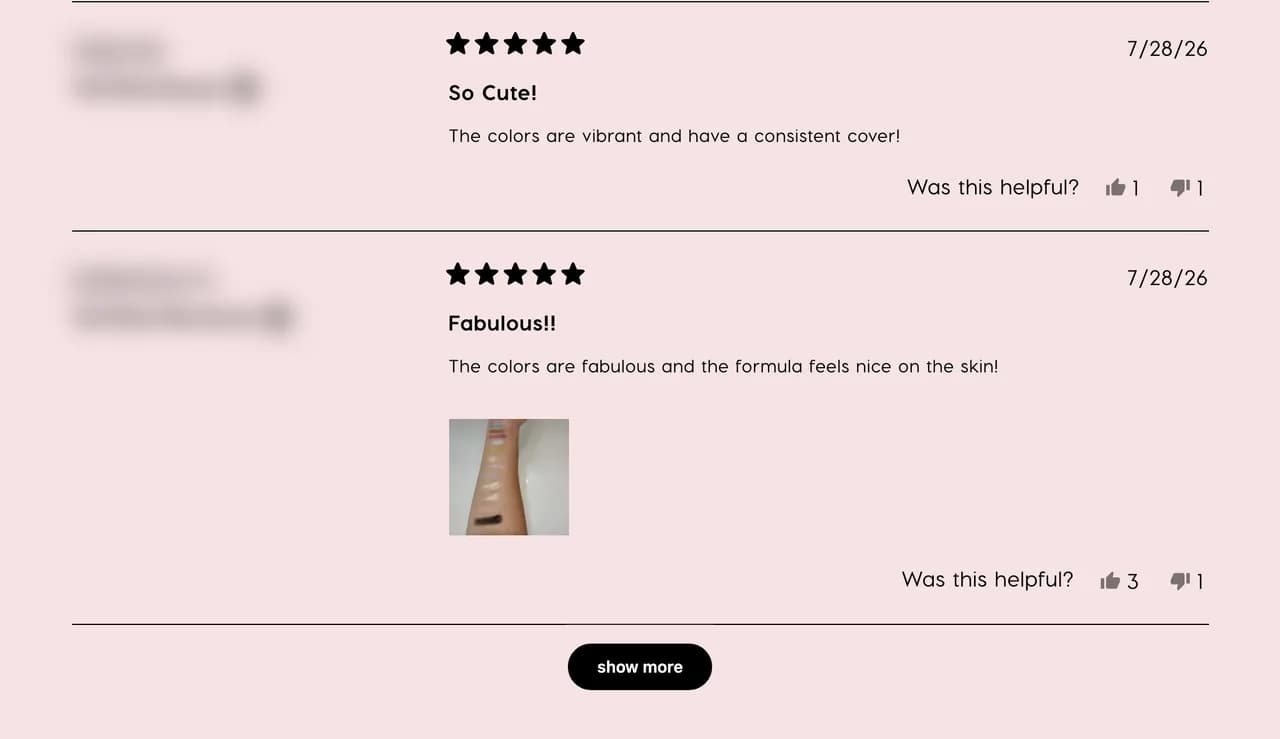
Manual collection: works per store, does not scale
You can open a product page, scroll to the reviews widget, expand it, and copy what is there. Fine for a single product on a single store. Across a handful of competitors it becomes tedious fast, because each store's widget paginates and expands differently, and the reviews you want are buried below the top few the widget shows first. You end up with a thin, top-loaded sample.
The API route depends on the app, not Shopify
There is no Shopify-level API that returns a store's product reviews to an outsider. The reviews belong to whichever app the store installed, and those APIs are built for the merchant who owns the account, not for competitor research. That leaves DIY scraping, and because each review app renders differently and updates its widget on its own schedule, a script has to handle Yotpo one way, Loox another, and break whenever either changes.
The paste-a-URL route
Adlicio reads the reviews on any public Shopify product page through your own browser session, including stores running Yotpo or Loox, without an app to install or an API key. Paste the product URL and it returns the reviews in about 60 seconds, whichever supported widget the store uses.
Then it ranks them. The reviews cluster into angles: the wins buyers rave about, the failure modes to avoid, and the doubts to disarm, each with the verbatim quotes behind it. The raw reviews stay exportable.
The 60-second version
- 01Pick the DTC stores you compete with
Your own store, the competitor eating your market, and the category leader. Their on-page reviews hold the proof and the complaints you can position against.
- 02Paste each product URL into Adlicio
Any public Shopify product page, including stores on Yotpo or Loox. The scrape reads the reviews through your browser session in about 60 seconds per product.
- 03Mine the angles, keep the quotes
Work from the ranked clusters. The recurring rave becomes a testimonial-grade hook, the recurring complaint becomes the objection you answer first, and the verbatim quote becomes your proof.
Questions people also ask
Why do most scrapers fail on Shopify reviews?+
Because Shopify does not host the reviews. Each store uses a different third-party app, Yotpo, Loox, and others, each with its own widget and markup, so a scraper built for one store breaks on the next. Adlicio reads the on-page reviews including stores on Yotpo or Loox.
How do I know which review app a Shopify store uses?+
You do not need to. Paste the product URL and Adlicio reads the reviews the page renders, including Yotpo and Loox stores, so you never have to identify the widget yourself.
Can I scrape reviews across several Shopify competitors at once?+
Run one scrape per product URL. Each lands in your history, so you can pull several rival stores and compare the ranked angles side by side.
Can I export Shopify store reviews to a CSV?+
Yes. Every scrape lands in your history with a CSV export, so the raw reviews sit alongside the ranked angles for filtering.
About the author
Daniel is the founder of Adlicio. He builds the scrapers behind it and uses them daily to turn customer comments and reviews into ad angles.
More guides
Shopify scraperAll scrapersSee pricing
Run this play on your own Shopify page.
Paste one public URL. Adlicio returns the angle, hook, and proof to test next.