 Scrape
 Brands
 Radar
Radar Hooks
Hooks Scripts
 History
How to scrape Product Hunt comments
By Daniel, founder of Adlicio · 3 min read
Quick answer
Product Hunt has a GraphQL API built for integrations, not research. Here are the routes that work, and how to pull a launch's comments in about 60 seconds.
Product Hunt does have an official API, a GraphQL endpoint you authenticate against with a developer token. So unlike a lot of platforms, the API route is technically open. The problem is what it is built for: it is aimed at developers wiring Product Hunt data into their own apps, with rate limits and a query language to match, not at a marketer who wants to read the objections under a competitor's launch.
That leaves three realistic ways to get a launch's comments: copy them by hand, learn the GraphQL API and write queries, or paste the launch URL into a tool that reads the thread for you. Here is how each holds up, and the fastest path from a launch to usable customer language.
★ 4.6 on the Chrome Web Store · no card needed
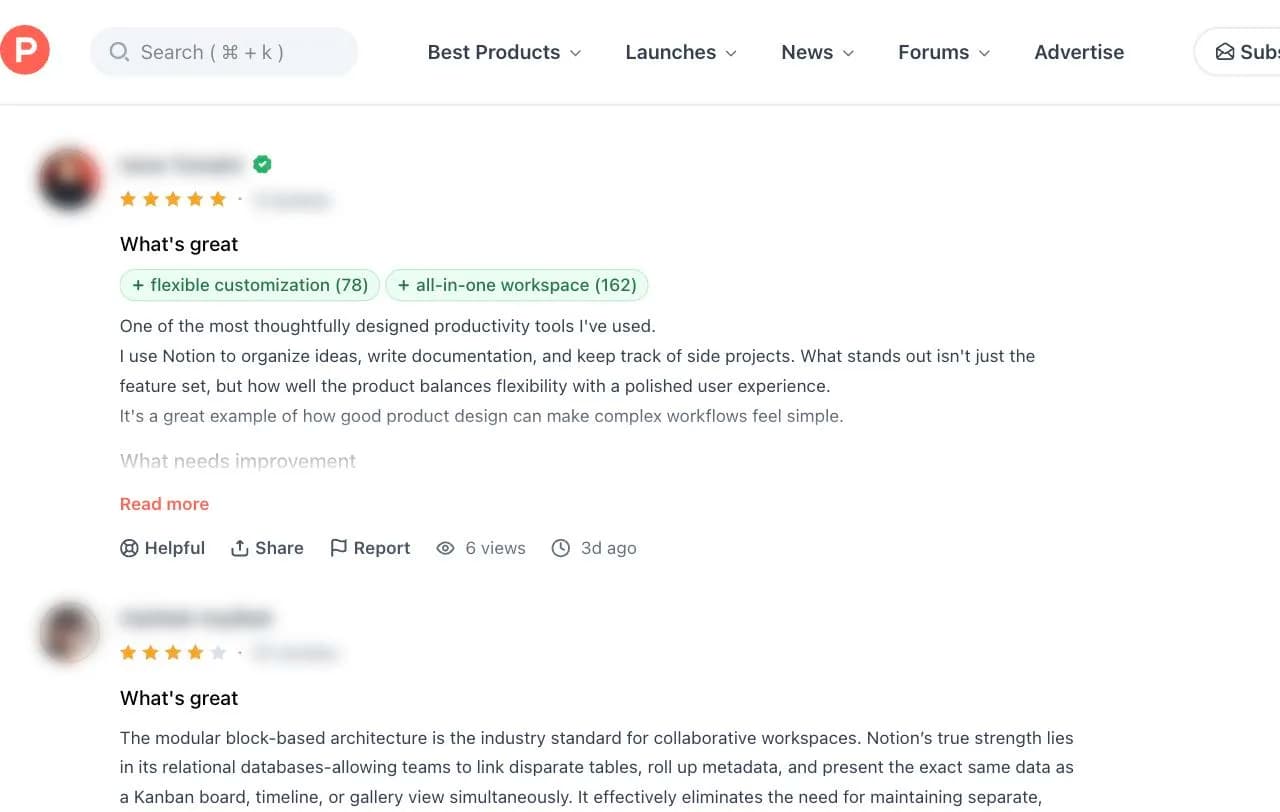
The manual route and where it breaks
Open the launch, scroll the comment thread, and copy what you need. On a quiet launch this is fine. On a launch that hit the top of the day, the thread runs to hundreds of comments with nested replies, and the feature requests and objections you are hunting for are scattered through all of them. You will read the top few, which are the ones every visitor already saw, and miss the pattern underneath. And the insight you actually want almost never lives in one launch, it lives across every launch in your category.
The GraphQL API and who it is really for
Product Hunt's API is a GraphQL endpoint: you register for a developer token, learn the schema, and write queries to page through a post's comments. It is a real, documented route and it works. It is also built for people building integrations, so you are managing a token, respecting rate limits, and writing and maintaining query code to read comments that any visitor can already see in a browser. For a one-off piece of ad research, that is a developer project standing between you and the language you needed today.
The paste-a-URL route
Adlicio reads the public comments under a Product Hunt launch through your own browser session, no developer token and no GraphQL. Paste the launch URL and it collects the thread, replies included, in about 60 seconds.
More usefully, it does not stop at collection. The comments come back clustered into ranked angles: the recurring feature requests, the tool people are switching from, and the objection that keeps stalling adoption, each with the maker or early-adopter quote behind it. Point it across several launches in your category and the market-wide pattern surfaces instead of one thread's noise. The raw comments stay exportable.
The 60-second version
- 01Pick the launches your buyers are watching
A competitor's launch, the category leader's original launch, and a couple of adjacent tools. Early-adopter threads carry the sharpest objections and feature requests.
- 02Paste each launch URL into Adlicio
Point it at the public launch page. The scrape captures the comment thread and its replies in about 60 seconds each.
- 03Mine the angles, keep the quotes
Work from the ranked clusters: the recurring 'does it do X yet' becomes your feature hook, the switching-cost line becomes your positioning against the incumbent.
Questions people also ask
Can I scrape Product Hunt comments without using the GraphQL API?+
Yes. Adlicio reads the public thread through your browser session, so there is no developer token, no GraphQL schema to learn, and no query code to maintain. It captures what any visitor to the launch can see.
How do I collect comments across multiple launches at once?+
Scrape each launch URL and Adlicio aggregates the comments into one ranked angle report, so you see the requests and objections that repeat across your whole category, not just one thread.
Does it capture the nested replies under a launch comment?+
Yes. The reply threads are expanded and included, which matters because the maker's answer to an objection is often where the real feature gap gets named.
Can I export Product Hunt comments to a CSV?+
Yes. Every scrape lands in your history with a CSV export, so you can filter the raw comments alongside the ranked angles.
About the author
Daniel is the founder of Adlicio. He builds the scrapers behind it and uses them daily to turn customer comments and reviews into ad angles.
More guides
Product Hunt scraperAll scrapersSee pricing
Run this play on your own Product Hunt page.
Paste one public URL. Adlicio returns the angle, hook, and proof to test next.