 Scrape
 Brands
 Radar
Radar Hooks
Hooks Scripts
 History
How to scrape Twitter (X) replies
By Daniel, founder of Adlicio · 3 min read
Quick answer
The X API's cheap tiers barely let you read and search pricing is brutal. Here is what works, and how to pull a thread's replies in about 60 seconds.
X does have an API, but for reading replies it is a trap. The affordable tiers are heavily capped on how much you can pull, and the pricing that would actually let you search and read at research volume climbs into territory that makes no sense for a marketer studying a few threads. So the API route is technically there and practically closed for this job.
That leaves two realistic ways to get the replies under a viral post: copy them by hand, or paste the post URL into a tool that reads the thread for you. Here is how each holds up, and the fastest path from a thread to usable customer language.
★ 4.6 on the Chrome Web Store · no card needed
Why the X API won't help you here
The X API's low-cost tiers are built around posting and light reads, not pulling the full reply tree under a post you do not own, and the read and search limits run out fast. The tiers that lift those limits are priced for companies building on the firehose, not for research. Either way you are writing and maintaining code and paying by volume to read replies that any visitor can already see in a browser. For ad research, the economics simply do not work.
The manual route and where it breaks
You can open the post and scroll the replies. The problem is structure: X threads branch, so a reply gets its own replies, quote posts sit somewhere else entirely, and 'Show more replies' hides the tail. Scroll and copy and you flatten all of that into a jumble, losing which reply answered which and which line the crowd actually rallied behind. On a post with thousands of replies you will grab the loudest few and lose the thread underneath.
The paste-a-URL route
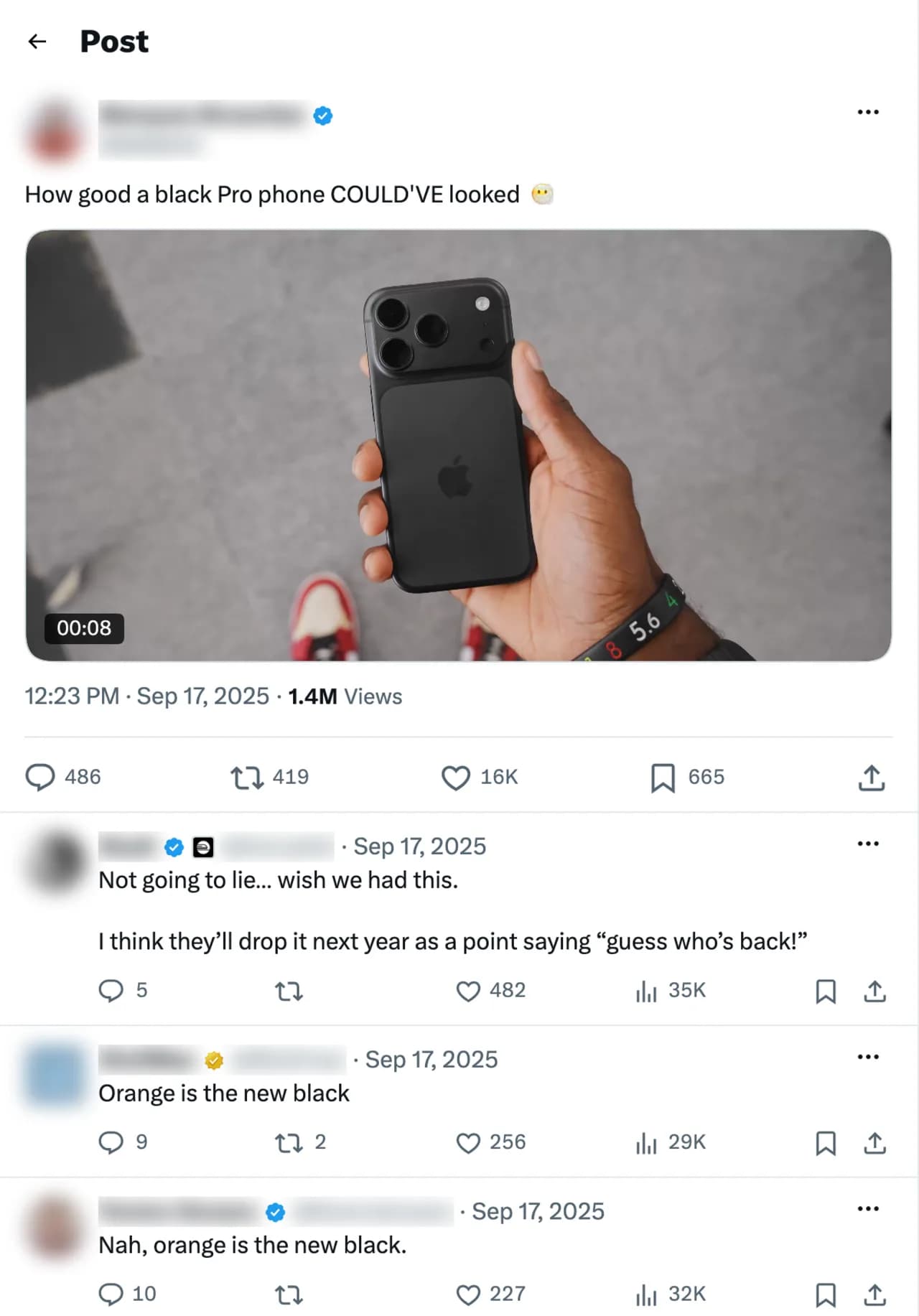
Adlicio reads the public replies under an X post through your own browser session, without depending on API access or API pricing. Paste the post URL and it captures the replies and quote posts, the same conversation any reader sees, in about 60 seconds.
Then the replies come back clustered into ranked angles: the objections that stall a purchase, the questions a niche keeps asking, and the skeptical one-liners that already earned engagement, each with the verbatim reply behind it. Reply threads under a viral product post are as raw as reactions get, which makes them some of the best hook material you can pull. The raw replies stay exportable.
The 60-second version
- 01Pick the threads where your market reacts
A viral product post in your category, a competitor's announcement, or a take that provoked an argument. High reply counts mean more usable language.
- 02Paste the post URL into Adlicio
Point it at a public post. The scrape captures the replies and quote posts in about 60 seconds, no API tier to buy.
- 03Read the clusters, steal the phrasing
Work from the ranked angles: the skeptical reply becomes the objection your ad answers head-on, the line that earned the most likes becomes your hook.
Questions people also ask
Can I scrape X replies without paying for API access?+
Yes. Adlicio reads the public replies through your own browser session, so you skip the X API tiers and their pricing entirely. It captures what any reader of the post can see.
Why is the X API too expensive for reply research?+
The cheap tiers cap reads and search hard, and the tiers that lift those caps are priced for companies building on the data at scale. Paying by volume to read public replies makes no sense for a few research threads.
Does it keep the quote posts, not just the direct replies?+
Yes. Adlicio captures both the replies and the quote posts on a public thread, which matters because the sharpest skeptical takes often show up as quote posts rather than inline replies.
Can I export X replies to a CSV?+
Yes. Every scrape lands in your history with a CSV export, so you can filter the raw replies alongside the ranked angles.
About the author
Daniel is the founder of Adlicio. He builds the scrapers behind it and uses them daily to turn customer comments and reviews into ad angles.
More guides
X (Twitter) scraperAll scrapersSee pricing
Run this play on your own X (Twitter) page.
Paste one public URL. Adlicio returns the angle, hook, and proof to test next.